
SHAREit
SHAREit is a free Windows app from the SHAREit Team for moving photos, videos and documents between a PC and a phone. The current version is 5.1.0.7.
22.7 MB

JDownloader is a free, open-source download manager written in Java that runs on Windows, macOS and Linux.
Average 0.0 · ratings: 0
Thank you! Your rating is saved; you can change it. Could not save the rating. Please try again later. Too many ratings from your network today. Please try again tomorrow. The average appears after 5 ratings.
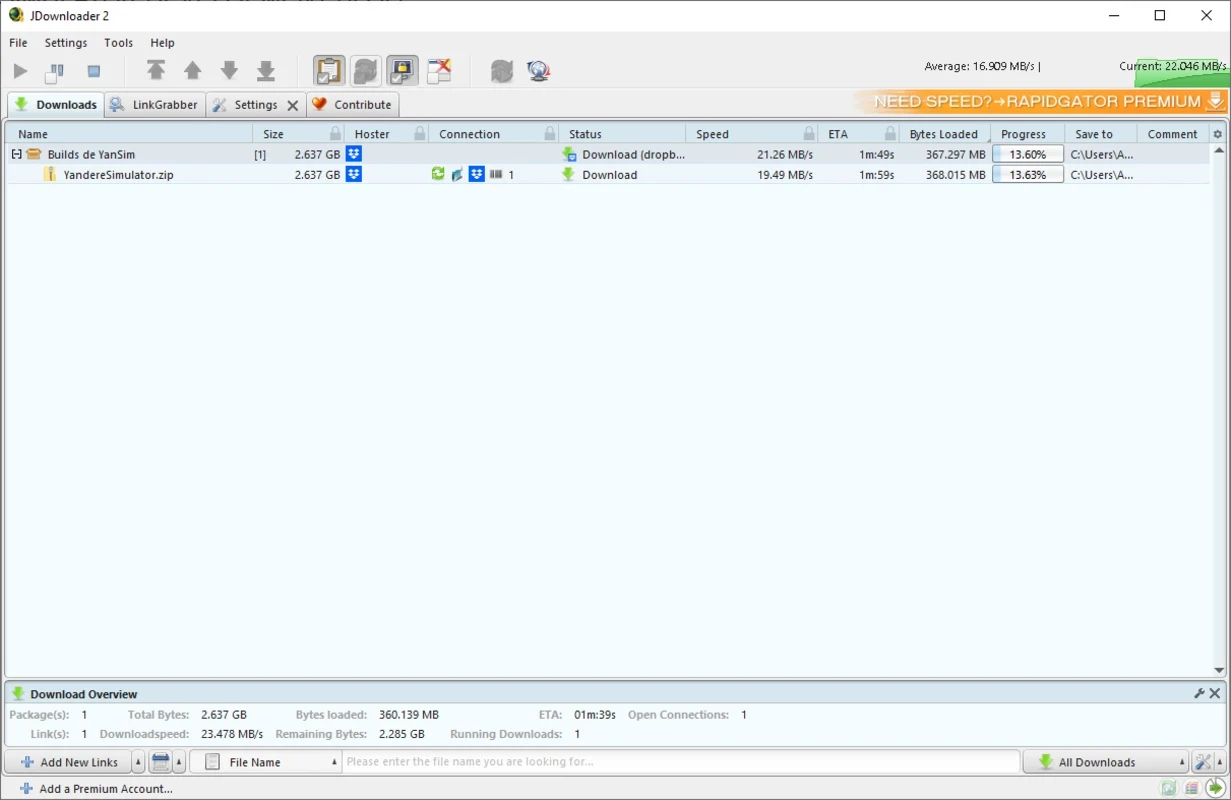
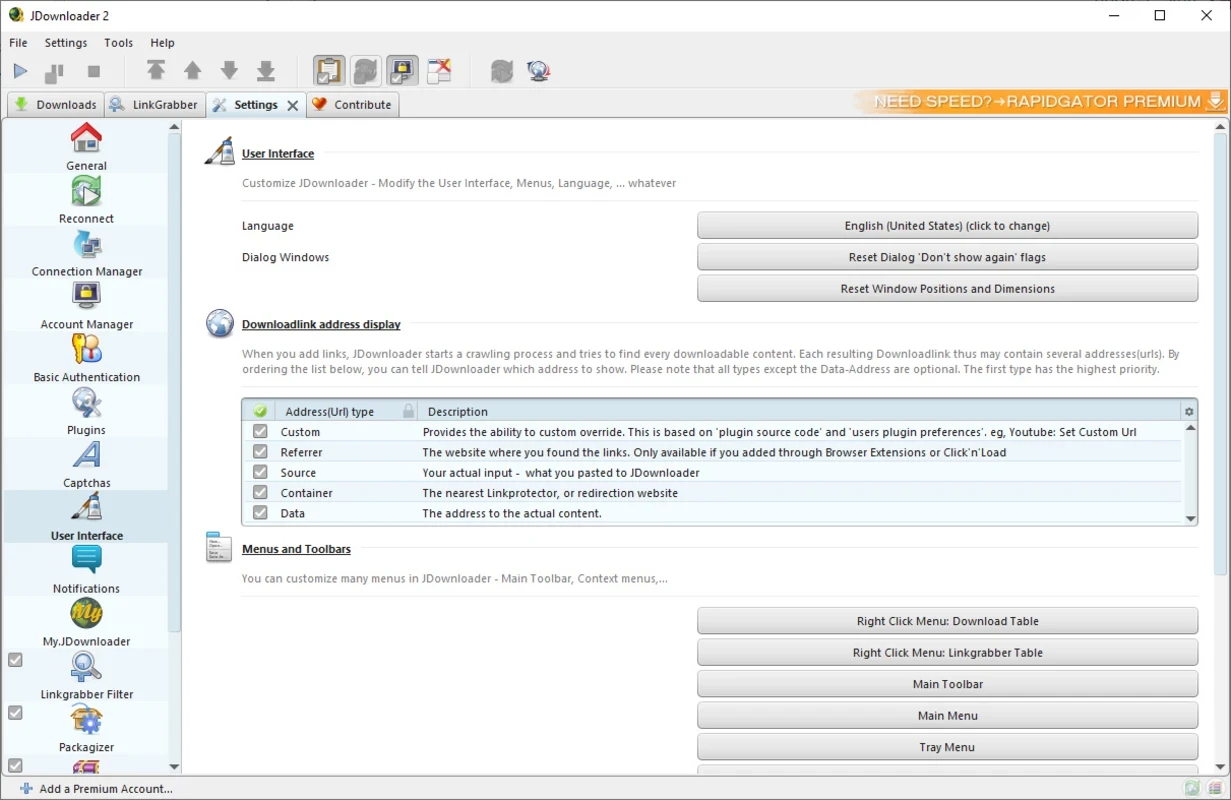
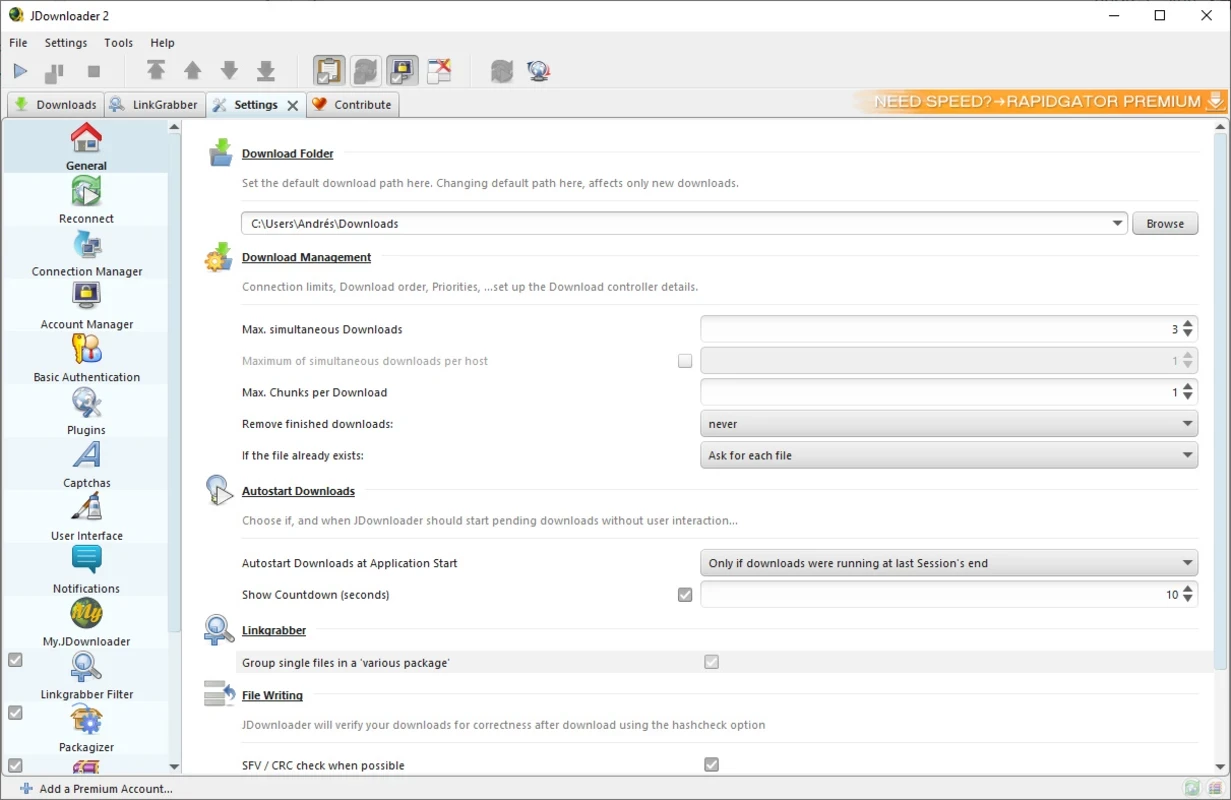
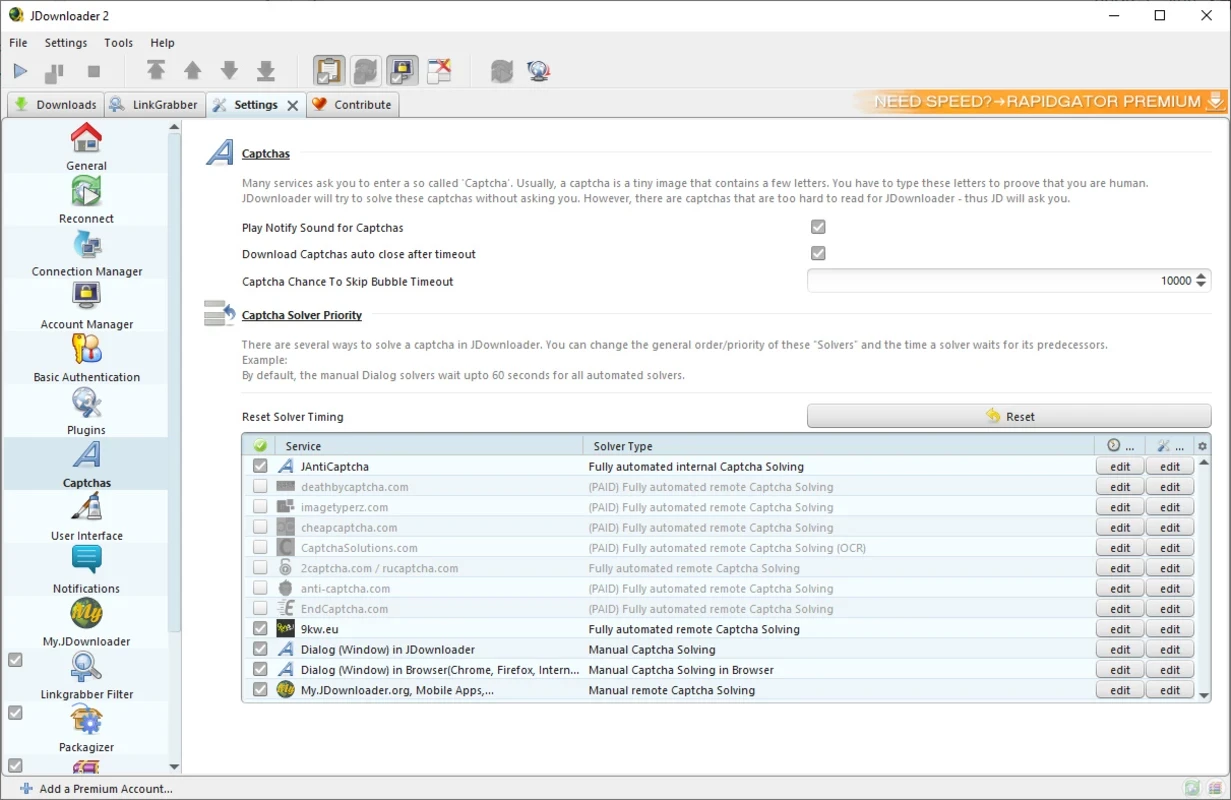
JDownloader 2.0.260331 is a free, open-source download manager written in Java, developed by a team led by the author known as jago. You can download JDownloader for Windows from the official site; the same program runs on macOS, Linux and even on NAS devices.
JDownloader collects download links and handles them for you. Instead of clicking through file hosting pages one by one, you copy links, and the program recognises them, groups them into packages, checks whether the files are online and downloads them in a queue. It can run several downloads at once, resume interrupted ones and extract archives automatically when a package is complete. That is its strongest side: large sets of files split into many parts, for example open datasets, software images or your own backups on file hosts. Because it is written in Java, the same program works across operating systems, and it can also run without an interface on a home server. The project is released under the GNU General Public License version 3. Version 2.0 arrived in May 2016, and since then updates come as frequent builds through the built-in updater rather than as big new versions.
JDownloader's support article gives a minimum of 128 MB RAM, with 256 MB recommended for headless use and 512 MB with the interface, plus about 100 MB of disk space. Any current Windows PC exceeds that easily.
The program from jdownloader.org is legitimate open-source software, but the Windows installer may include partner offers, so read each screen. Avoid unofficial builds. Remember that the files you download are only as safe as their source, and downloading copyrighted material without permission can be illegal.
Yes, JDownloader is free and open source. Some file hosts sell premium accounts, and JDownloader can use them, but that is optional.
The official changelog lists updates, and the program installs them itself on restart.
JDownloader checks every link before downloading. A link marked offline usually means the file was removed from the host or the address is incomplete. Some hosts also limit free downloads, so the program waits between files; that pause comes from the host, not from JDownloader.
Other download managers on our site include Free Download Manager, Internet Download Manager, Xtreme Download Manager (XDM) and qBittorrent for torrents.
SHAREit is a free Windows app from the SHAREit Team for moving photos, videos and documents between a PC and a phone. The current version is 5.1.0.7.

Zapya for Windows is a free file transfer app from DewMobile for moving files between a PC and phones over a local wireless connection.

Easy Connection to Screen is Samsung's Windows app for showing a PC's screen on a compatible Samsung TV over a wireless connection.

Internet Download Manager (IDM) is a shareware download manager for Windows from Tonec that accelerates, resumes and schedules downloads.

uTorrent (μTorrent) is a small BitTorrent client for Windows from Rainberry (BitTorrent Inc) for downloading and sharing files over torrents.

AnyDesk is a remote desktop application for connecting to and controlling another computer over the internet, from a small Windows program.

ShareMe is Xiaomi's free app for sending files between devices without a cable; on Windows the Android app runs only inside an emulator.

Xender is a free file sharing app from the Xender File Sharing Team for sending files between phones and computers over a local connection.